The useful answer
The best host helps people see your work without making updates hard.
A beautiful template is not enough. Make sure you can add new work, write clear project details, connect your own domain, receive messages, and take your content with you later.
Before you compare plans
Choose the jobs your portfolio must do.
Show selected work
Projects need a clear order, titles, short notes, and images that work on a phone.
Explain your work
An about page and project notes help a visitor understand what you make.
Bring in enquiries
A contact form must send messages somewhere you check and protect visitor details.
Share private work
Client or review pages may need a password or another access rule.
Sell work
Products, payments, shipping, taxes, and order messages turn a portfolio into a store.
Stay easy to update
The person adding new work should be able to do it without breaking the site.
Four routes
Choose the tool and hosting together.
Adobe Portfolio
Portfolio hosting route
- May fit when
- You already pay for an eligible Adobe Creative Cloud plan and need a clean portfolio, not a large store.
- Why people choose it
- Adobe says content hosting is included. It can connect Lightroom, Behance, Adobe Fonts, and a custom domain.
- Check before you choose
- Publishing needs an active eligible Creative Cloud plan. Check what happens to the live site if that plan ends.
Hosted website builder
Portfolio hosting route
- May fit when
- You want visual editing, galleries, forms, and hosting in one service.
- Why people choose it
- The builder manages the server and gives you ready-made portfolio tools.
- Check before you choose
- Check image and project limits, export options, paid apps, and whether individual projects can be hidden or protected.
Managed WordPress
Portfolio hosting route
- May fit when
- You need WordPress themes or add-ons and accept more website care.
- Why people choose it
- You get more choice over themes, galleries, selling tools, and how the site is built.
- Check before you choose
- Your team must check WordPress, theme, and add-on updates. Confirm who restores a broken site.
Static hosting
Portfolio hosting route
- May fit when
- A developer or design tool produces ready-made files and the portfolio changes only sometimes.
- Why people choose it
- It can keep the hosting layer simple and avoids a full website server that stays running.
- Check before you choose
- Editing, forms, private client pages, and selling usually need separate tools or custom work.
See the real portfolio tools
Three official pages show what artists can build.
Adobe Portfolio may fit people who already pay for Creative Cloud. Squarespace and Wix are all-in-one builders with portfolio tools. These examples are not a speed ranking. Use them to compare the work you can show, how you update it, and what happens if you leave.
Adobe Portfolio
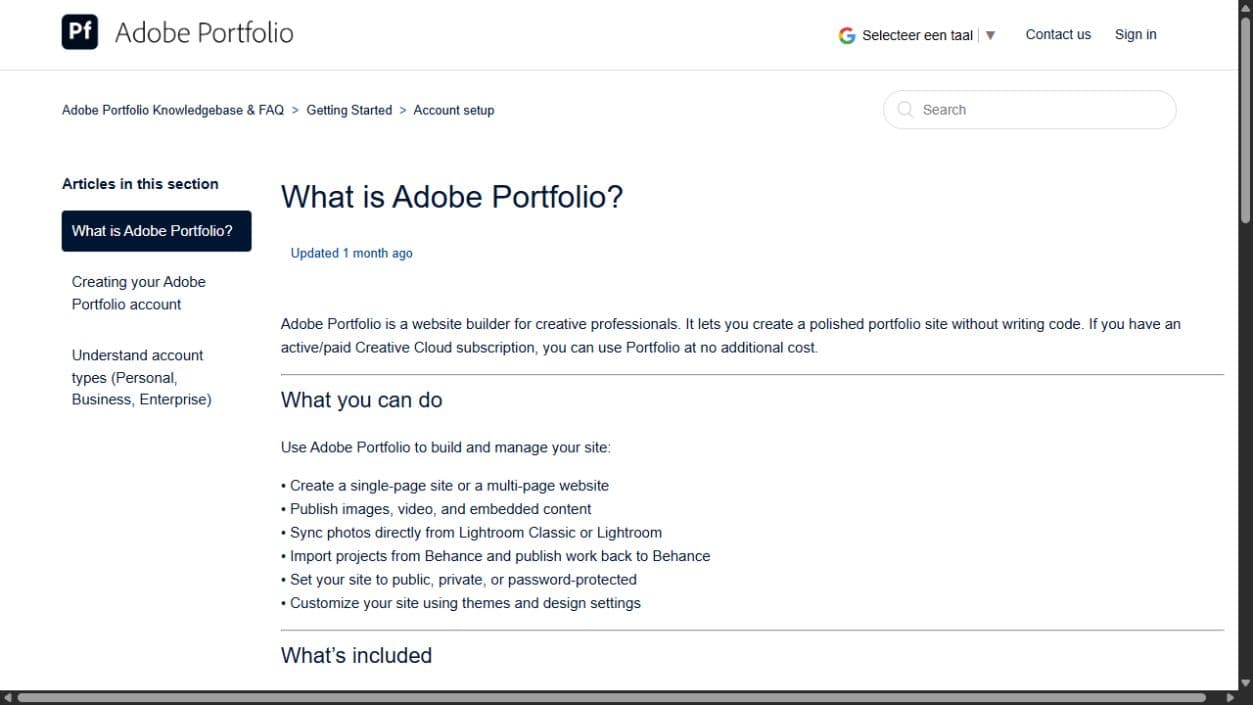
What you can check here
- Adobe says an eligible paid Creative Cloud plan includes Portfolio.
- The guide lists images, video, Lightroom, Behance, and private pages.
- Check what stays online if you change or cancel the Creative Cloud plan.
Squarespace portfolios
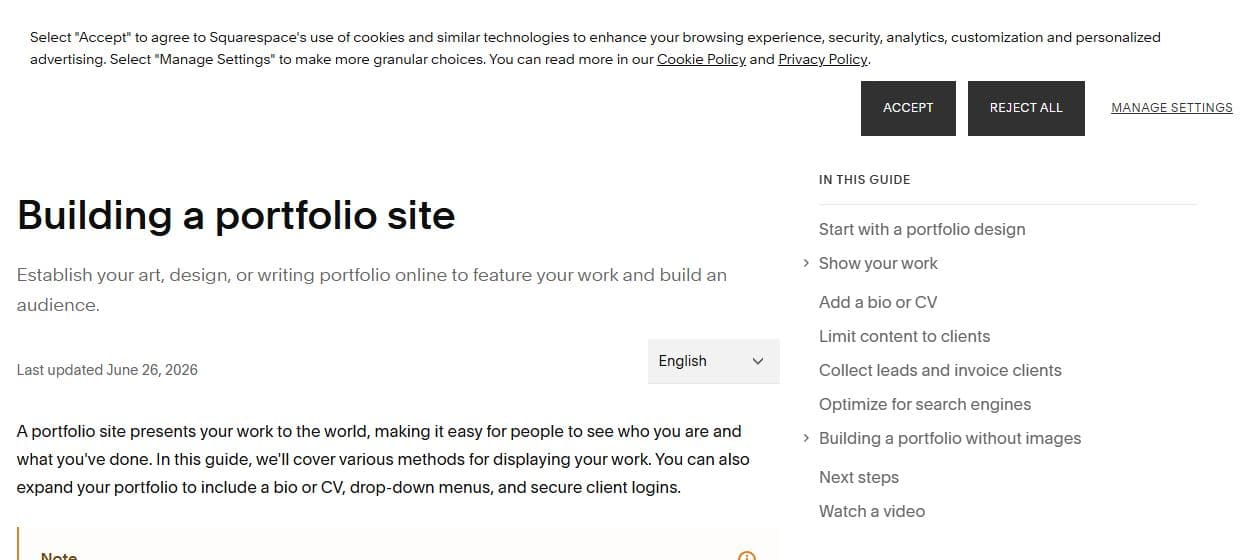
What you can check here
- The guide covers art, design, writing, and photographer portfolios.
- It includes sections for showing work, private client access, and leads.
- Check gallery limits, forms, selling tools, exports, and the renewal price.
Wix portfolio tools
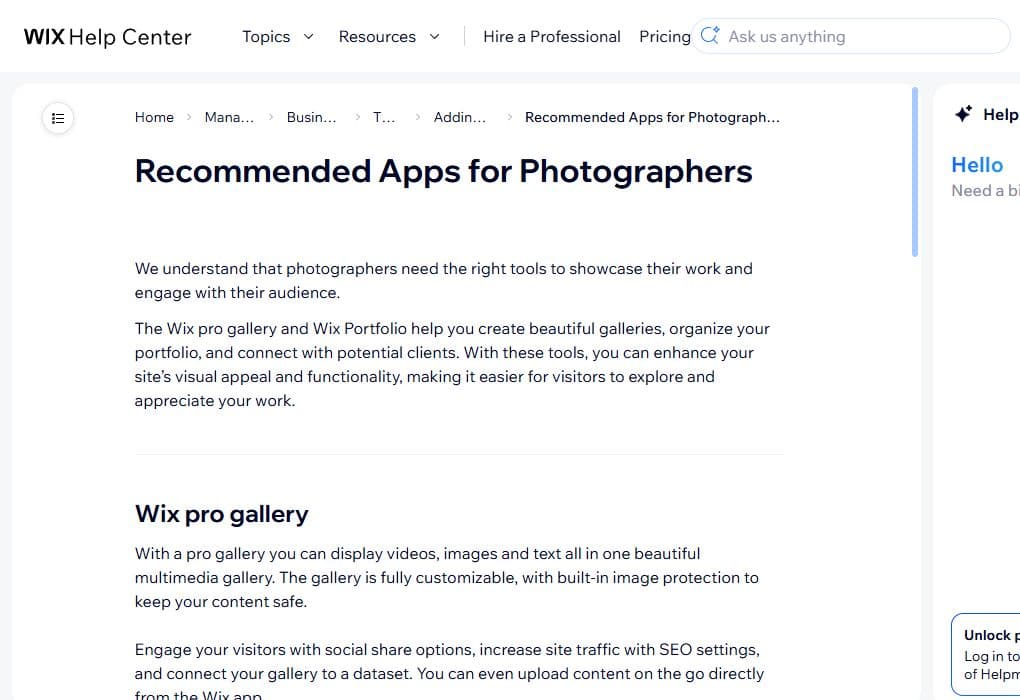
What you can check here
- Wix documents Pro Gallery and Portfolio tools for showing creative work.
- The page mentions galleries, collections, media, and ways to reach visitors.
- Check plan costs, app costs, image limits, exports, and private-page options.
Images need a plan
Your website is a display copy, not the only home for your art.
Web copies
Upload copies sized for the web. Give each useful image a short text description for people who cannot see it.
Original files
Keep full original files in separate storage with another backup. A website export may not contain every original.
Large galleries
More images can make a page slower. Split a very large body of work into clear projects or series.
Squarespace documents limits for gallery and portfolio collections. Wix documents portfolio collections and media tools. Adobe Portfolio documents password protection and up to five sites. Check the live plan because limits and plan rules can change.
Portfolio or store?
Selling one print is different from running an online shop.
| Need | Start with | Check |
|---|---|---|
| Show work and receive enquiries | Portfolio or hosted builder | Forms, custom domain, and easy editing |
| Sell a few fixed items | Portfolio plus a simple selling tool | Fees, stock, delivery, and refunds |
| Run a growing shop | Hosted ecommerce platform | Products, variants, payments, tax, shipping, and exports |
| License digital work | A service made for digital delivery | File access, download limits, tax, and customer records |
Quick guide
Start with the route that removes work you do not want.
| Your situation | Look at first |
|---|---|
| You already pay for eligible Creative Cloud | Adobe Portfolio |
| You want visual editing and hosting together | A hosted website builder |
| You need WordPress themes or add-ons | Managed WordPress |
| A developer builds a simple portfolio | Static hosting |
| Selling is the main job | A hosted ecommerce platform |
Sources and limits
Official feature guides, not performance tests.
We checked these pages on August 28, 2026. They show current portfolio and hosting features. We did not build the same portfolio on every service or test speed, image quality, support, uptime, or sales.
- Adobe Portfolio overview — included hosting, integrations, password protection, and domain options.
- Squarespace portfolio guide — portfolio pages, galleries, and image blocks.
- Wix portfolio and gallery guide — portfolio collections, galleries, and media tools.
- WordPress hosting guide — normal and WordPress-specific hosting.
- Cloudflare Pages overview — hosting for ready-made site files.
FAQ
What is the best web hosting for an artist?
If you already pay for an eligible Creative Cloud plan, check Adobe Portfolio first. A hosted website builder is a simple all-in-one choice. Managed WordPress fits artists who need WordPress features. Static hosting fits a developer-built portfolio.
Do artists need unlimited storage?
Usually not for the public portfolio. Show selected web-sized copies and keep full original artwork in a separate storage and backup system. Unlimited marketing words can still have fair-use rules, file limits, or media rules.
Can I sell art from a portfolio host?
Sometimes. Check products, payments, shipping, taxes, order emails, stock, and fees. A small buy button may be enough for a few works. A real online store may fit better when selling is the main job.
Should every artwork be one large image?
No. Use a clear cover image and add close views only when they help. Large galleries can load slowly, especially on phones. Keep the original file outside the website and upload a web copy.
Did you rank hosting companies for artists?
No. We compared documented product types and portfolio features. We did not test speed, uptime, support, image quality, or selling results.